






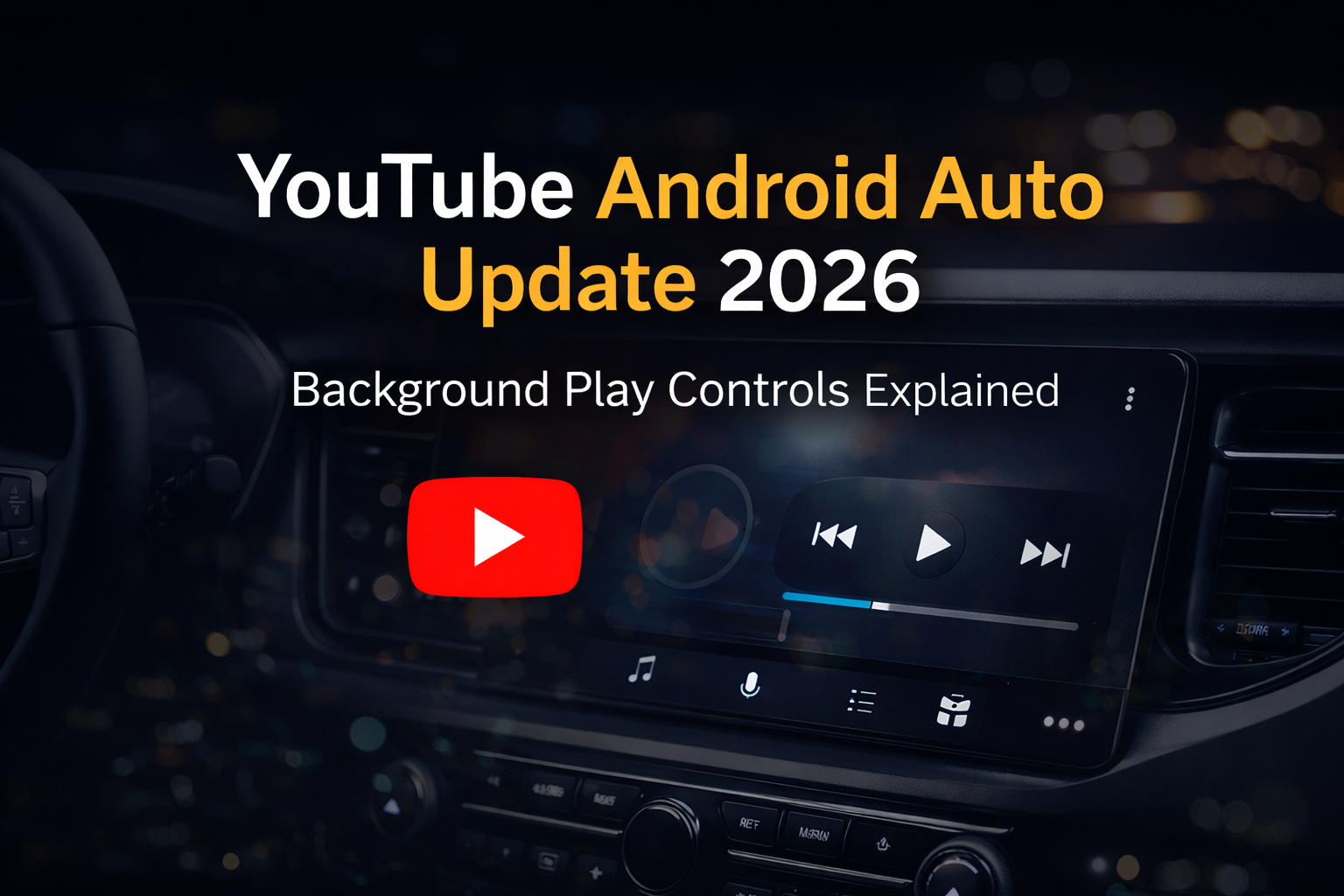
YouTube has started rolling out a new update that brings Android Auto support with background playback controls, making it easier for users to manage audio content while driving. This update improves usability inside vehicles but also comes with several limitations that users should be aware of.
What’s New in This Update?
With this latest update, YouTube now integrates with Android Auto’s media controls, allowing users to control playback directly from their car’s dashboard.
Users can now:
- Play or pause videos (audio mode)
- Skip to the next video
- Control playback using steering wheel buttons or touchscreen
This makes YouTube behave more like music streaming apps when used in a car.
Audio-Only Experience (No Video Playback)
While the update is useful, it is important to understand that:
👉 You cannot watch videos on Android Auto
👉 There is no full YouTube interface
👉 Only basic playback controls are available
YouTube runs in the background as an audio source, meaning you can listen to content but not interact with it visually.
Available Only for YouTube Premium Users
One key limitation of this feature is that it requires YouTube Premium.
Background playback — which allows videos to continue playing as audio — is a paid feature. Without a Premium subscription, this functionality will not work on Android Auto.
However, with newer plans like Premium Lite, more users may gain access to background playback at a lower cost.
Why This Update Matters
This update is small but impactful, especially for users who consume content in audio format.
🚀 Safer Driving Experience
Users can control playback without touching their phones, reducing distractions.
🎙️ Rise of Audio Content
Many people listen to podcasts, interviews, and long-form videos on YouTube — this feature supports that behavior.
🔄 Better App Integration
YouTube now fits more naturally into the Android Auto ecosystem alongside apps like Spotify.
Limitations You Should Know
Despite the improvements, the feature is still quite limited:
- No video playback on the car screen
- No browsing or search functionality
- Limited playback controls
- Skip function jumps to next video, not forward
This means the experience is still far from a full YouTube app inside Android Auto.
What to Expect Next?
This update could be the first step toward deeper integration in the future. With growing demand, we may see:
- Voice-controlled YouTube browsing
- Smarter content recommendations
- Full app support when the car is parked
For now, YouTube appears to be prioritizing safety and simplicity over full functionality.
Read this blog for more information: https://9to5google.com/2026/03/29/youtube-android-auto-controls-support/
Final Thoughts
The addition of background play controls for YouTube on Android Auto is a useful upgrade for users who enjoy listening to content while driving. It improves convenience and aligns YouTube with other media apps in the car environment.
However, the feature is still limited and mainly benefits YouTube Premium users. While it’s a step in the right direction, a complete in-car YouTube experience is still something users will have to wait for.
Stay Connected with Write for Us Hub for more updates